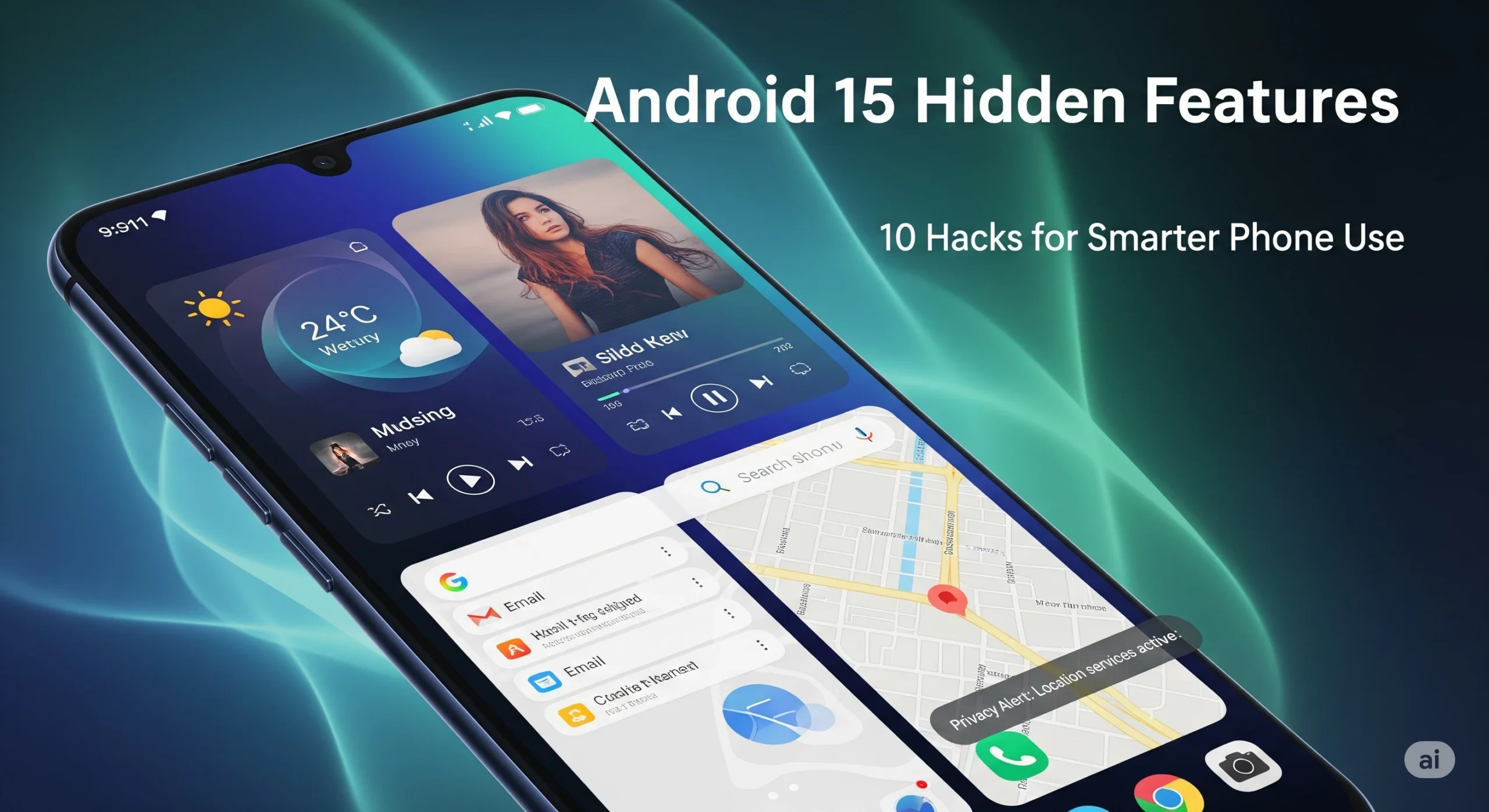
Android 15 is here, packed with visible updates and subtle, powerful features most users miss. Beyond the flashy UI and new privacy controls, there’s a treasure of hidden settings and advanced hacks that can truly upgrade how you use your phone in 2025. Whether you’re a power user or just want your device to feel fresh, check out these ten secret tricks to make the most of Android 15.
Private Space Mode
Create secure, password-protected areas for sensitive apps and files. Perfect for storing banking apps, documents, or private photos without prying eyes finding them.
Settings > Security > Private Space
Custom Lockscreen Widgets
Bring back instant info! Android 15 lets you add weather, calendar, or app shortcuts directly on your lockscreen, so you check essentials without unlocking.
Long-press Lockscreen > Add Widget or Settings > Display > Lockscreen Widgets
Notification Cooldown
Reduce notification sound or vibration from apps that spam you. Android 15 gradually lowers alert intensity for repeated notifications, keeping distractions at bay.
Settings > Notifications > Cooldown
Adaptive Vibration
Customize vibration strength automatically based on context—on a desk, in pocket, or silent environments for subtle alerts.
Settings > Sound & Vibration > Adaptive Vibration
Pin App Pairs for Multitasking
Save your favorite split-screen combos—Youtube + Notes, WhatsApp + Chrome—and launch them together in one tap.
Recent Apps > App Pair Icon
Advanced Privacy Dashboard
View which apps used your camera, mic, location—down to the minute—and instantly revoke permissions from a central dashboard.
Settings > Privacy > Permissions Manager
Modes and Routine Automation
Schedule custom ‘Work’, ‘Sleep’, or ‘Travel’ modes to change wallpapers, notifications, and app access automatically by time, place, or event.
Settings > Modes > Create Routine
Supercharged Material You Themes
Let Android adapt colors and icon styles dynamically—morning, night, or by your activity. Take your personalization way beyond wallpaper changes.
Settings > Display > Wallpaper & Style > Adaptive Theme
Screen Recording with Sensitive Content Protection
Apps can hide private info (like passwords or chats) when you’re screen recording or sharing, bringing new privacy for creators and remote workers.
Settings > Privacy > Protected Content
Live Caption & Real-Time Translation Everywhere
Turn on system-wide live transcription and auto-translation for any media—great for calls, podcasts, and foreign videos.
Settings > Accessibility > Live Caption & Translate
Final
With Android 15, you can dramatically boost security, multitasking, personalization, and efficiency—if you know where to look! Don’t wait; try these hacks today and turn your phone into a truly smart device.